How to Access Smooth Spins on Mobile
There is no separate APK download page or App Store listing required. Smooth Spins runs as a Progressive Web App (PWA), which means you open your browser, navigate to the site and play. On Android you can add the site to your home screen from the browser menu for an app-like shortcut. On iOS the same option appears under the Share button in Safari.
Android setup:
- Open Chrome or any modern browser.
- Navigate to the Smooth Spins site.
- Tap the three-dot menu and select 'Add to Home Screen'.
- Confirm - the icon appears on your home screen instantly.
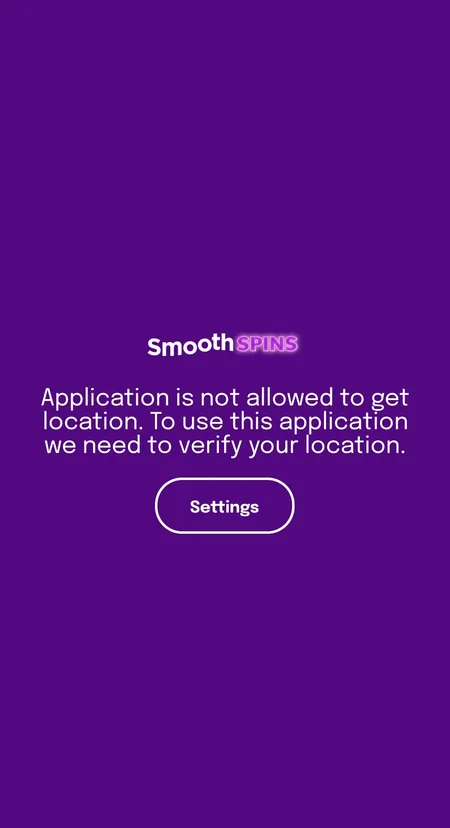
If a native Android client requests geolocation permission on first launch, grant it. Without location verification the app cannot confirm you are in the UK, which is a UKGC compliance requirement.
iOS setup:
- Open Safari (Chrome on iOS does not support PWA installation).
- Navigate to the site and tap the Share icon.
- Select 'Add to Home Screen' and confirm.
- Launch from the home screen for full-screen experience.
No sideloading, no unknown sources toggle, no profile installation needed.